
Automation & Analytics
Business Benefits
Automation that delivers measurable outcomes
Reduction in Manual Efforts
Automate complex data processing by combining multiple data sources, applying business rules, and performing advanced calculations—eliminating manual intervention while improving speed, accuracy, and consistency.
Data Accuracy
Manual processing increases the risk of human errors, rechecking cycles, and operational delays. Automation enforces predefined logic and validations, delivering high data accuracy while reducing rework, dependency, and operational risk.
Faster Decision Making
Real-time dashboards and automated MIS reports empower management with timely insights, enabling faster and more confident business decisions.
Smarter Processes. Faster Decisions.
Eliminate manual work, reduce errors, and gain real-time business insights
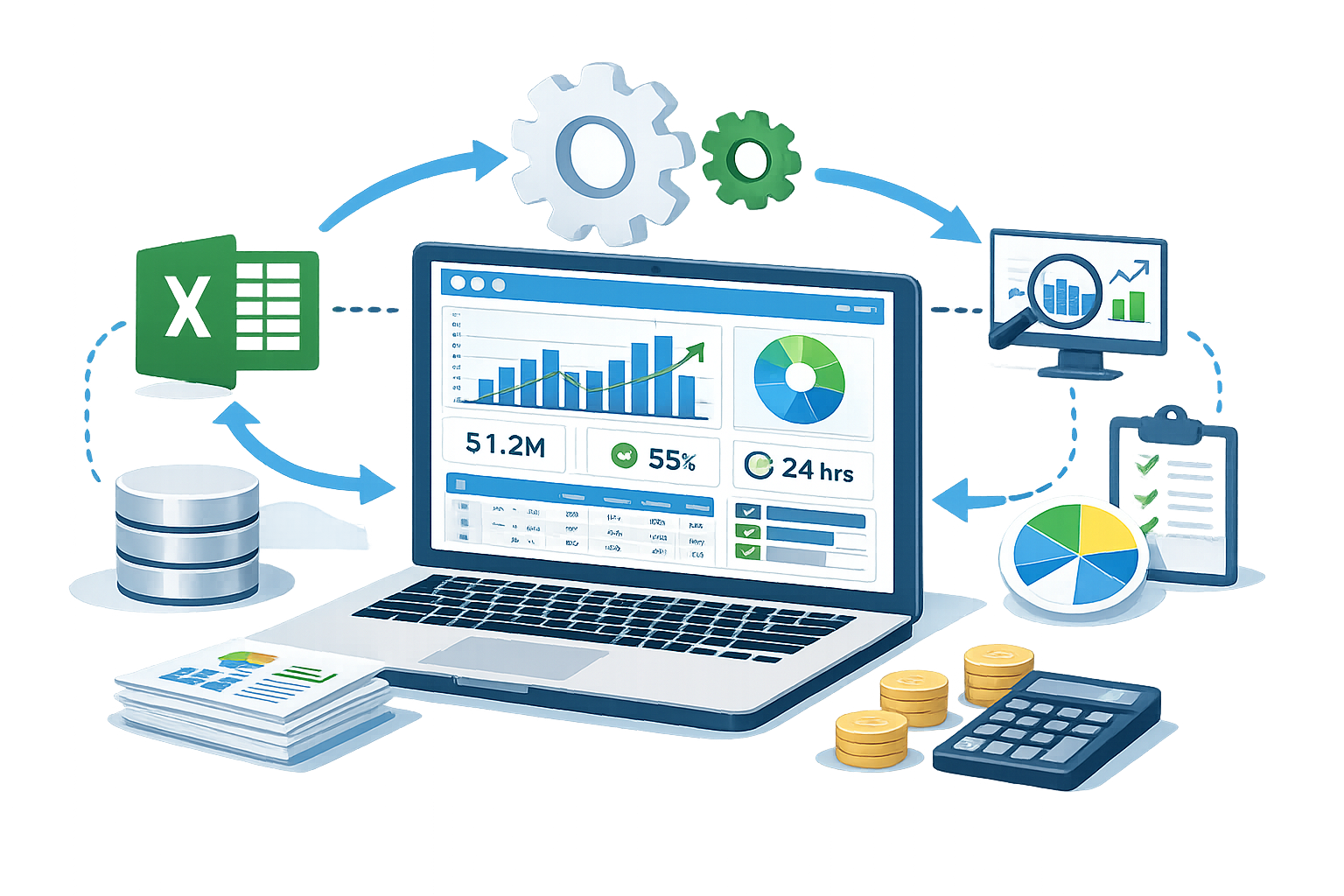
We help organizations replace manual, error-prone processes with intelligent automation using MS-Excel, Python, databases, and analytics tools.
Our solutions are designed for finance teams, operations, MIS, and management—delivering accuracy, speed, and actionable insights.
Case Studies
How automation delivered measurable business outcomes
90%
Planning Time Reduction~99%
Planning Accuracy*Hours
Production plan generation reduced from weeks to hoursClient Overview
A leading pigment manufacturer operating two production plants near Pune, preparing detailed production plans using 100+ data sources, including SAP-exported raw data and multiple MS-Excel files, for capacity planning, material availability, and execution scheduling.
Business Challenges
- Manual processing of 100+ SAP exports and Excel files
- 1–2 weeks required to prepare a single production plan
- Heavy dependency on skilled and experienced personnel
- Complex and time-consuming complex calculations & process
- High risk of errors, rework
Our Solution
- Designed a single-click production planning automation
- Standardized raw data intake from SAP exports & Excel files
- Embedded complex production logic and calculation rules
- Automated consolidation across 100+ data sources
- Generated ready-to-use production plans in required format
Process Flow
- SAP exports and Excel files uploaded in predefined formats
- Automation validates and processes raw production data
- Complex planning calculations executed automatically
- Required production plans generated for both plants
Business Impact
- ✔ Production planning reduced from 1–2 weeks to a few hours
- ✔ Eliminated dependency on manpower
- ✔ Improved planning accuracy and consistency
- ✔ Faster decision-making and better plant coordination
Tools & Technologies
* High accuracy is achieved when raw SAP and Excel input data is complete and correctly maintained.
100%
Effort & Time Reduction~99%
Calculation Accuracy*Auto
Reports, layout & color logicClient Overview
A leading forging manufacturing company generating detailed test certificates and quality reports by combining multiple raw data sources including production data, laboratory test results, and inspection parameters.
Business Challenges (IT View)
- Manual preparation of test certificates and detailed reports
- Data scattered across multiple raw data sources
- Complex calculation and tolerance logic per test parameter
- Manual color coding of results (pass, fail, within limits)
- Frequent resizing of boxes, tables, and figures based on results
- High dependency on skilled users and risk of formatting errors
Our Solution
- Automation framework to combine multiple raw data sources
- Rule-driven calculation and tolerance evaluation engine
- Auto-generation of detailed test certificates and reports
- Intelligent, rule-based color coding of all results
- Dynamic resizing and formatting of figures, boxes, and tables
Process Flow
- Raw production and lab data captured in predefined formats
- Automation consolidates data from multiple sources
- Complex calculations and tolerance checks executed
- Color-coded results and detailed reports generated automatically
- Final test certificate produced with adaptive layout
Business & IT Impact
- ✔ Certificate and report generation reduced to minutes
- ✔ Eliminated manual calculations, formatting, and resizing
- ✔ Consistent, audit-ready certificates and reports
- ✔ Reduced compliance and quality risks
- ✔ Scalable solution for new tests and certificate formats
Tools & Technologies
*Accuracy and color-coded outcomes depend on the completeness and correctness of raw input data; automation enforces standardized calculations, tolerance checks, and formatting rules.
11,000+
Telecom Sites Data24 Hrs
Hourly Raw Data ProcessingAuto
Process & calculation automationClient Overview
A leading telecom infrastructure company managing 11,000+ sites across Maharashtra and Goa, monitoring diesel consumption for power backup systems using large-scale, hourly raw operational data.
Business Challenges (IT View)
- Massive raw data volume: 11,000+ sites × 24-hour readings
- Manual diesel consumption calculations and reconciliations
- Complex, multi-stage calculations with inter-process dependency
- High probability of calculation errors and inconsistencies
- Limited visibility into site-level and regional consumption patterns
Our Solution
- End-to-end automation of diesel consumption reporting
- Multi-stage, rule-driven calculation engine with process dependency
- Automated consolidation of hourly raw data across all sites
- Validated calculations to eliminate manual errors
- Data-driven consumption summaries at site and region level
Process Flow
- Hourly diesel and power data captured for all sites
- Raw data consolidated and validated automatically
- Sequential calculation processes executed with dependencies
- Consumption metrics derived at site, cluster, and region level
- Final data-driven reports generated for decision-making
Business & IT Impact
- ✔ Eliminated manual calculations across 11,000+ sites
- ✔ Reliable, error-free diesel consumption reporting
- ✔ Clear data-driven insights enabling significant cost savings
- ✔ Improved monitoring of abnormal or excess consumption
- ✔ Scalable framework for additional sites or energy metrics
Tools & Technologies
*Consumption accuracy depends on the completeness and correctness of site-level raw data; automation enforces validation, dependency checks, and calculation controls.
9
Raw Data SourcesAuto
Validation & consolidationDept-wise
Health cards by locationClient Overview
A leading telecom infrastructure company monitoring operational health across departments such as Operations, Deployment, and Support, spread across 7–8 regional locations per department.
Business Challenges (IT View)
- Manual compilation of data from 9 independent raw data sources
- Department-wise and location-wise reporting done manually
- Complex raw data with frequent format inconsistencies
- High probability of errors, rework, and reconciliation cycles
- Limited standardization and no single view of functional health
Our Solution
- Automation framework to ingest data from 9 raw data sources
- Built-in validation rules to ensure input accuracy
- Automated consolidation by department and location
- Generation of functional health cards for each unit
- Standardized metrics such as Open PO, approvals, shortages, and rejections
Process Flow
- Raw data uploaded from all source systems
- Input data validated and standardized automatically
- Data consolidated by department and location
- Functional health cards generated with key indicators
Business & IT Impact
- ✔ Eliminated manual consolidation across departments
- ✔ Reduced errors and rework through validation controls
- ✔ Single, standardized view of operational health
- ✔ Faster issue identification and resolution
- ✔ Scalable model for additional departments or regions
Tools & Technologies
*Accuracy of functional health indicators depends on the correctness of raw input data; automation enforces validation and standardization rules.
200+
Employees Data3 Years
Historical Data RecalculationAuto
Tax & Form 10 generationClient Overview
A leading pigment manufacturing company with two production plants, required recalculation of arrears and income tax for approximately 200+ employees due to policy and compensation changes applicable retrospectively over the past three years.
Business Challenges (IT View)
- Retrospective arrears calculation across three financial years
- Employee-wise taxable income recalculation for each year
- Complex income tax logic dependent on arrears impact
- Manual effort for 200+ employees leading to delays and errors
- Manual preparation of statutory Form 10 for compliance
Our Solution
- Automation framework to consolidate payroll and arrears raw data
- Employee-wise recalculation of taxable income for each year
- Rule-based income tax computation across three years
- Automated arrears, tax payable, and net payable calculation
- Auto-generation of statutory Form 10 for each employee
Process Flow
- Raw payroll and arrears data uploaded in standardized formats
- Historical data mapped year-wise for each employee
- Arrears impact applied to taxable income year-wise
- Income tax recalculated and net payable derived
- Form 10 generated automatically for compliance
Business & IT Impact
- ✔ Reduced weeks of payroll rework to a few hours
- ✔ Accurate, employee-wise arrears and tax computation
- ✔ Eliminated manual errors and reconciliation cycles
- ✔ Audit-ready calculations with statutory compliance
- ✔ Scalable solution for future policy revisions
Tools & Technologies
*Calculation accuracy depends on the completeness and correctness of payroll and arrears data; automation enforces predefined tax rules and validation checks.
For more case studies or to discuss your requirements
Contact UsWhy CIOs Trust Our Automation Solutions
Built for complexity, scale, and enterprise governance — not just task automation.
Enterprise Automation Delivery Framework
Designed for accuracy, governance, and scalable execution
Process Understanding
We study your current workflow, pain points, and reporting needs.
Solution Design
We design rule-based automation, validation controls, and reporting architecture.
Development & Testing
Built using real production data, tested for accuracy, performance, and scalability.
Training & Support
Knowledge transfer, documentation, and controlled handover with ongoing support.
Ready to Automate Your Processes?
Ideal for complex, data-heavy processes where accuracy and control matter.
Discuss Automation Requirements